Getting Started
Installation
Executables for Windows and Ubuntu are available on the Releases page. Unzip the zip file and run SharpEyes
Windows
A standalone executable is available. It should have everything it needs.
Linux
A standalone executable is available. Linux may require additional system libraries to be installed; SharpEyes will tell you which libraries are missing on launch.
macOS
There are no prebuilt executable for macOS. To run on macOS, build the project from source.
Eyelink files
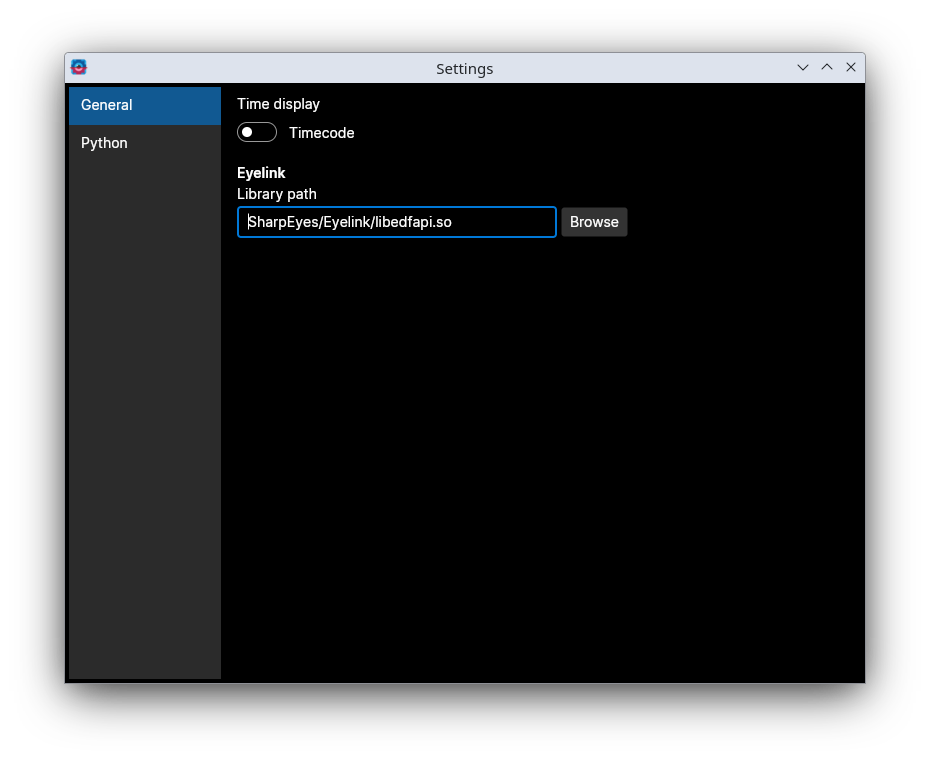
SharpEyes can parse Eyelink files. The text files that you get out of the Eyelink converter are out-of-the-box parsable. To be able to parse the EDF files directly, you need to provide your own copy of SR Research's edfapi library. It has to be either in the system library path, or you can set a path in the settings for SharpEyes to look for it.
Python interop setup
SharpEyes handles all eyetracking processing internally, but computing motion-energy features requires PyMoten to be installed in a Python environment. SharpEyes will manage this for you. You can use either system python at a location you specify, a conda environment if you have conda installed, or have SharpEyes manage its own standalone python environment.
Open the Python settings from the menu in the top left. This lets you select which Python environment to use.
System Python
SharpEyes will use the Python installation at the location you provide.
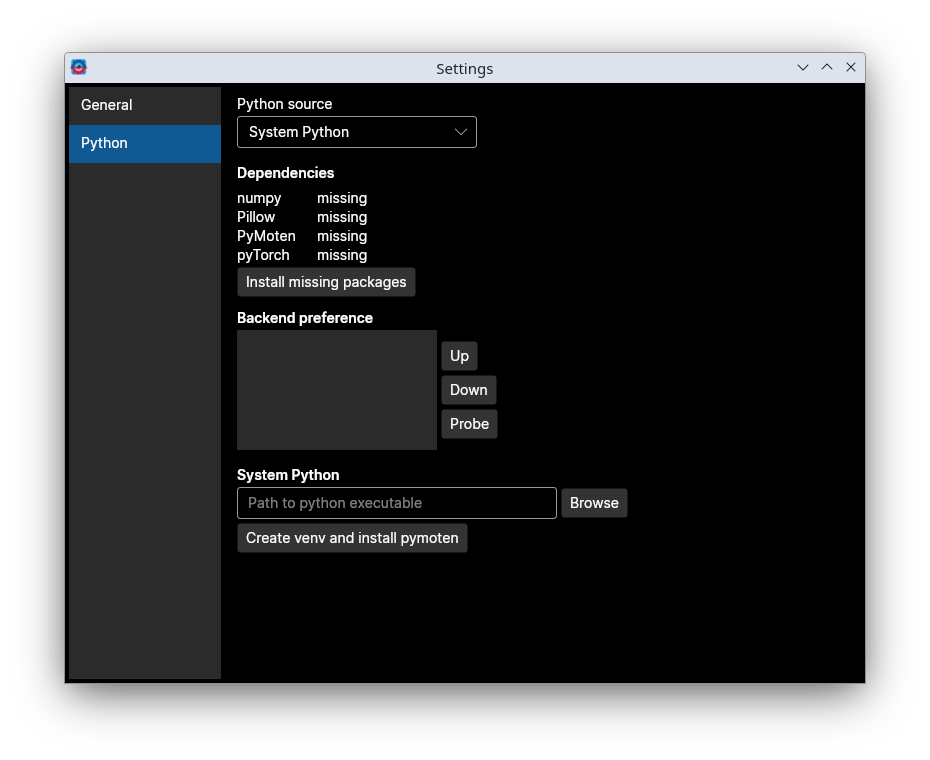
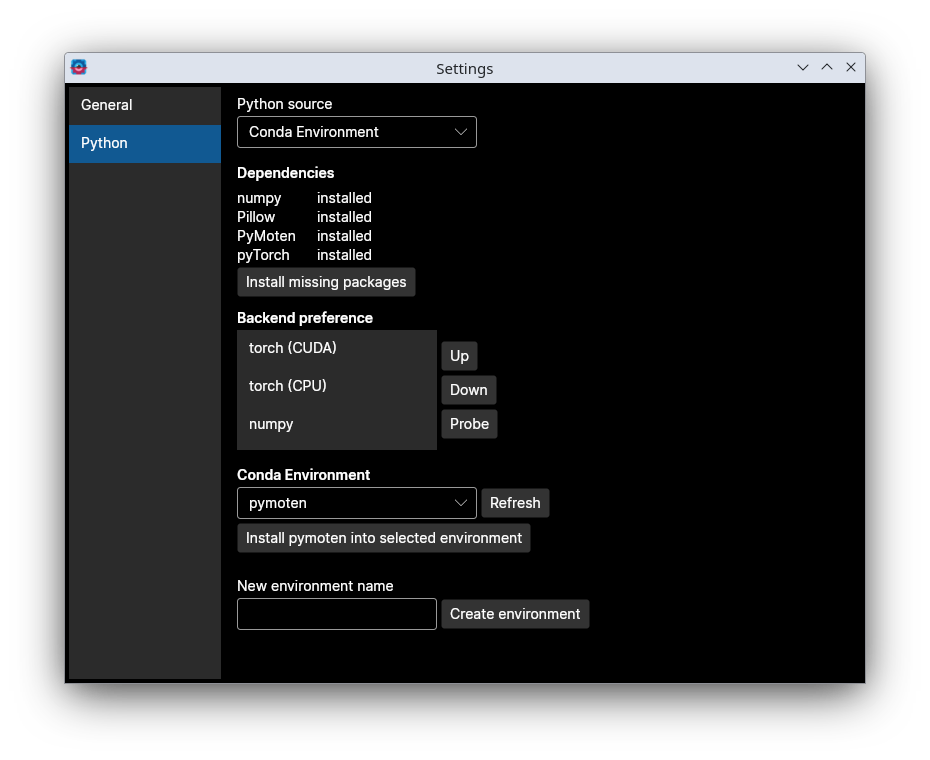
Conda
SharpEyes will use a conda environment. You can select an existing environment from the list, or SharpEyes will create a new one for you.
Standalone
SharpEyes will manage a self-contained Python environment with no additional setup required on your part.
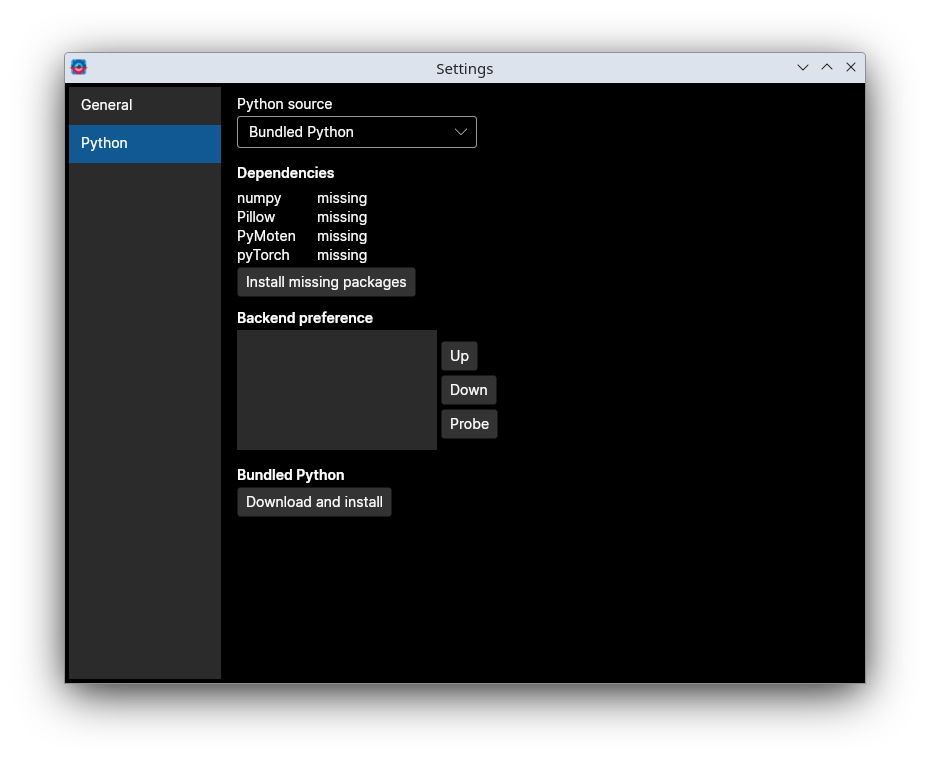
You can change the Python environment at any time while the program is running. If Python was already initialized during the session, a warning strip will appear indicating that a restart is required for the change to take effect.
The Python Settings page also shows the available PyMoten compute backends (numpy, torch CPU, CUDA, MPS) detected in your environment and lets you set their preference order. The preferred order is used by the Motion-Energy tab when selecting a backend.
Once Python is configured, head to the Workflow section to get started processing data.