Note
Go to the end to download the full example code.
Ignore NaN (not-a-number) values in thickness mapping
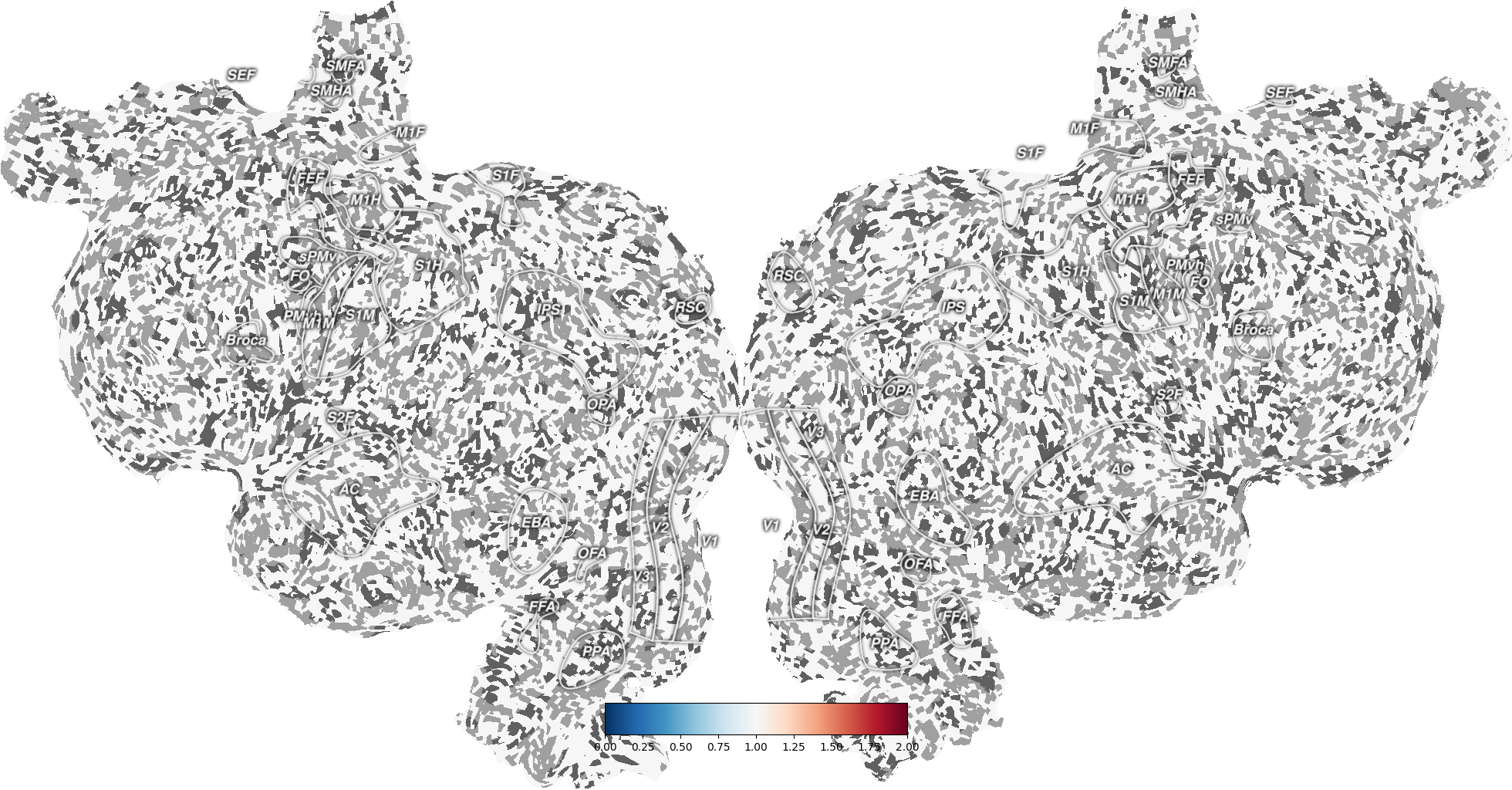
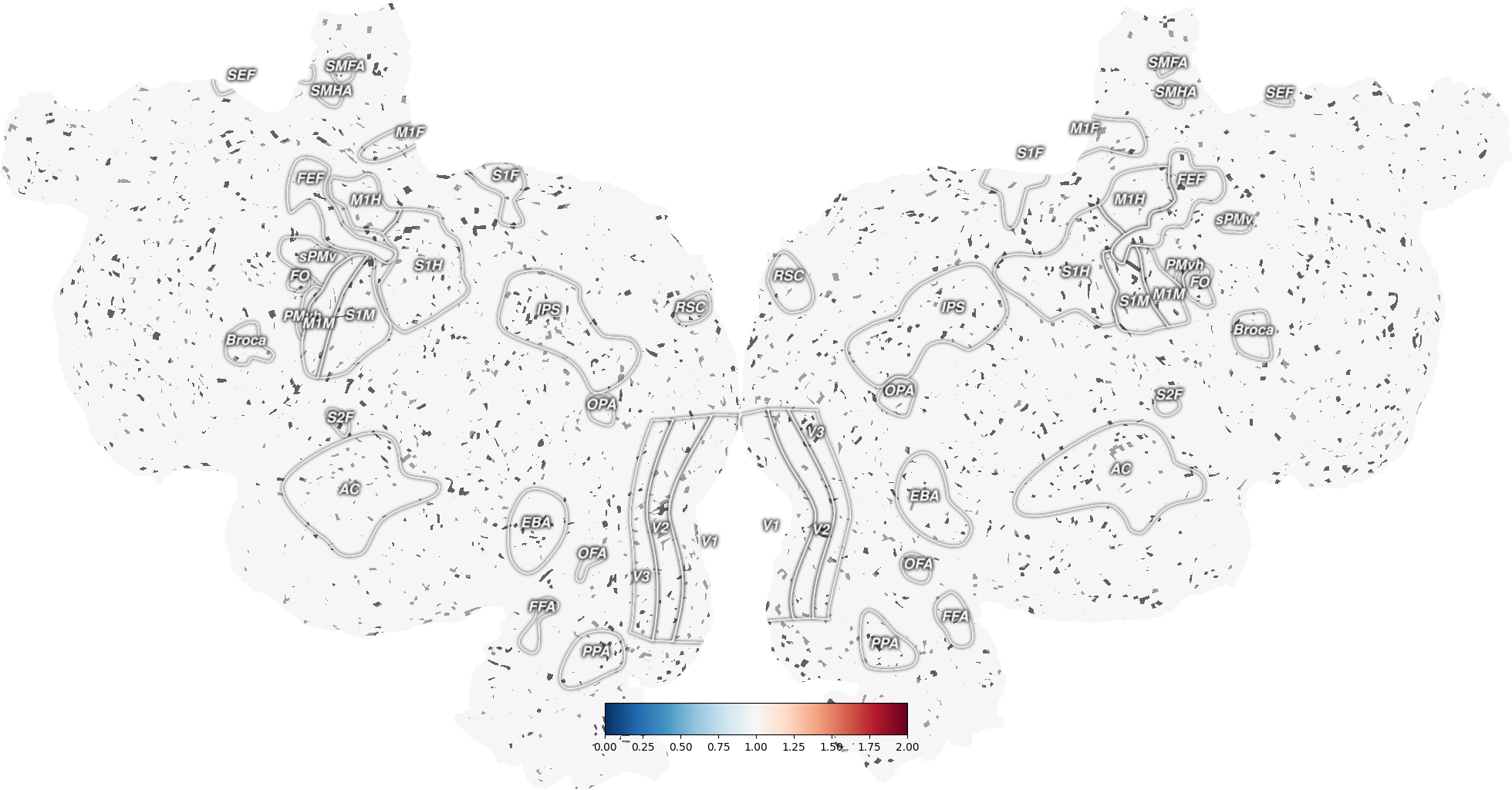
By default, pycortex quickshow averages across the thickness of the cortex for each pixel in the resulting flatmap. If any of these layers contain a value of NaN (not-a-number), then the result of the average will also be Nan. This behavior might be undesirable. To avoid it, pass the argument nanmean=True to cortex.quickshow (or cortex.quickflat.make_figure). This will only take the mean of the non-NaN values when averaging across the thickness of cortex. A pixel will only have the value NaN if every voxel between pia and white matter has the value NaN.
import cortex
import numpy as np
from matplotlib import pyplot as plt

# create dataset with volume of all 1's
vol = cortex.Volume.empty('S1', 'fullhead', vmin=0, vmax=2) + 1

# set 20% of the values in the dataset to NaN
vol.data[np.random.rand(*vol.data.shape) > 0.8] = np.nan


# plot the volume with nanmean=False
# here a nan in ANY layer of the thickness mapping will result in a nan
# in the final image
# so this image should have many, many holes that show curvature
# and all the non-hole points should have value of 1
_ = cortex.quickshow(vol, nanmean=False, with_curvature=True)

plt.show()

# plot the volume with nanmean=True
# here there should only be a nan in the final image if EVERY layer of the
# thickness mapping has a nan for the given pixel
# so this image should have many fewer holes that show curvature
# and, again, all the non-hole points should have value of 1
_ = cortex.quickshow(vol, nanmean=True, with_curvature=True)

plt.show()
Total running time of the script: (0 minutes 3.109 seconds)